Can you buy a Virginia fishing license on your phone?
We've all been there: you're planning a spontaneous fishing trip, or maybe you've just arrived at your favorite Virginia fishing spot, only to realize your fishing license is either expired, forgotten, or you never even bought one. The thought of finding an authorized agent or rushing back home can be a real buzzkill. Luckily, Virginia has embraced modern convenience, allowing anglers to purchase their fishing licenses directly from their smartphones, saving you time and hassle. This guide will walk you through everything you need to know about buying a Virginia fishing license on your phone, ensuring you're ready to cast a line legally and efficiently.
The Ease and Accessibility of Mobile Fishing License Purchases
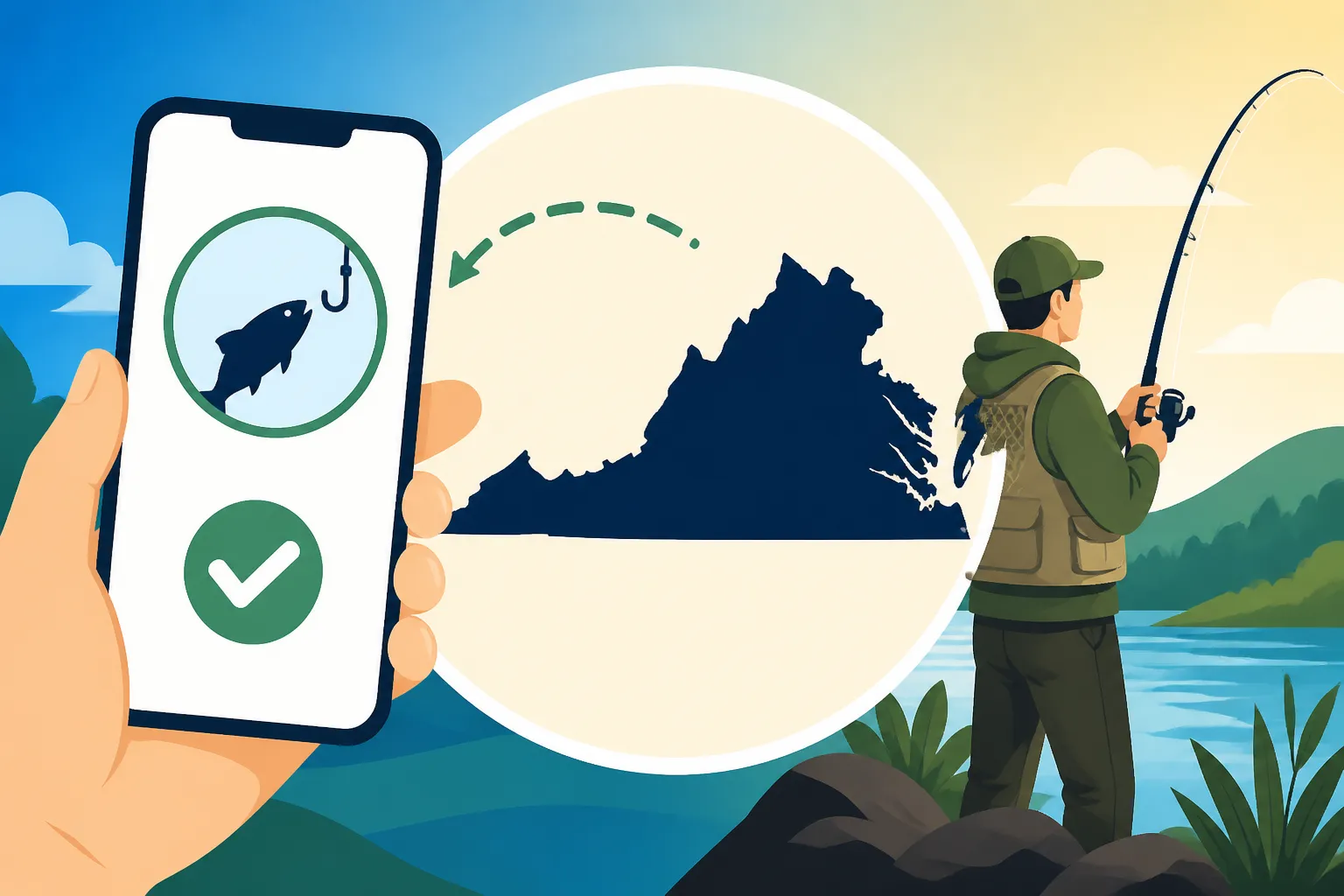
The world has gone digital, and Virginia's Department of Wildlife Resources (DWR) is right there with it, making it incredibly convenient for anglers to secure their permits without skipping a beat. Gone are the days when a forgotten wallet meant a wasted trip or, worse, a potential fine. Now, with just a few taps on your mobile device, you can be officially licensed and back to focusing on catching that trophy fish. This shift isn't just about convenience; it's about empowering anglers with instant access to necessary documentation.
Why Anglers Love Digital Licenses
Imagine pulling up to the bank of the James River, the sun rising, tackle box in hand, only to have that gut-wrenching feeling that you left your paper license on the kitchen counter. For years, that scenario would mean a frustrating drive home, potentially missing prime fishing hours. But with a digital license, that worry can be a thing of the past. Your phone is almost always with you, making it the perfect, most accessible place to store your license. It’s also incredibly practical for those spur-of-the-moment decisions to go fishing, or when you find yourself traveling and decide to drop a line in an unexpected spot.
Beyond the sheer convenience, digital licenses offer a level of security that paper simply can't match. You can't lose a digital license to a rogue wave, a misplaced tackle box, or an unexpected downpour that turns your paper into pulp. Many anglers appreciate the environmental benefit too, reducing paper waste and the need for printing. Plus, the DWR website and associated platforms are designed to be intuitive, meaning less time fumbling with forms and more time enjoying Virginia's beautiful waterways.
Virginia's Digital Approach to Licensing
Virginia has been proactive in integrating technology into its outdoor recreation services. The Department of Wildlife Resources (DWR) has developed a robust online system that is fully accessible from mobile devices. This isn't some clunky desktop site squeezed onto a small screen; it's designed with responsive elements that make navigating and purchasing a smooth experience on smartphones and tablets. This digital-first approach means that whether you're a resident looking for a Virginia Resident Freshwater Fishing License Cost or a non-resident curious about a Nonresident Freshwater Fishing License in Virginia, the process is streamlined and user-friendly.
The official DWR website serves as the central hub for all licensing needs, including hunting, fishing, and boat registration. This single point of access means you don't have to hunt down multiple websites or apps. The system is secure, ensuring your personal and payment information is protected. It's a testament to Virginia's commitment to making outdoor recreation as accessible as possible, eliminating barriers so more people can enjoy the natural resources our state has to offer.
Step-by-Step Guide to Buying a Virginia Fishing License on Your Phone
Purchasing your Virginia fishing license on your phone is a straightforward process, designed to get you from "I need a license" to "I'm ready to fish!" in just a few minutes. Whether you're a seasoned angler or a beginner, following these steps will ensure a smooth transaction.
Accessing the DWR Website on Your Mobile Device
The first thing you'll want to do is grab your smartphone and open your preferred web browser—Chrome, Safari, Firefox, it doesn't matter. Then, simply type in the official Virginia Department of Wildlife Resources website address. The DWR has invested in making their site mobile-friendly, which means you won't be squinting or struggling to tap tiny buttons. The layout automatically adjusts to fit your screen size, making navigation intuitive and easy.
Once you're on the homepage, look for a clear link or section related to "Licenses" or "Buy a License." This is usually prominently displayed, sometimes even with a direct call-to-action button right on the main banner. The goal here is quick access, so the DWR has designed their portal to be as direct as possible. You don't want to be scrolling through endless pages when you're itching to get your line in the water, and thankfully, you won't have to.
Navigating the Purchase Process
After you've found the "Buy a License" section, you'll likely be prompted to either log in to an existing account or create a new one. If you've purchased a license in Virginia before, you'll probably have an account already set up. This is where your customer ID (often your driver's license number or a DWR-specific ID) comes in handy. If you're a new angler to Virginia, creating an account is simple and typically requires basic personal information such as your name, address, date of birth, and contact details. This information helps the DWR accurately track licensing and ensures you get the correct permit.
Once logged in or registered, you'll enter the license selection portal. This is where you choose the specific type of license you need. Virginia offers a variety of options, from annual freshwater or saltwater licenses to combination licenses that cover both. You might be interested in a basic freshwater license, or perhaps you're venturing into the Chesapeake Bay and need a saltwater option. You can find detailed information on these choices in our comprehensive guide, Virginia Fishing License Costs and Types Explained. Take your time here to select the right license for your needs. For instance, if you're planning a short trip, you might opt for one of Virginia's 5-Day Freshwater Fishing Pass or Virginia's 10-Day Saltwater Fishing License options, which offer great flexibility for tourists or occasional anglers. The system will guide you through adding the selected license to your virtual cart, much like any other online shopping experience.
Payment and Confirmation
Once you've selected all the necessary licenses and any additional permits (like a trout stamp if you plan on fishing Stocked Trout License Requirements in Virginia), you'll proceed to the payment section. The DWR online system accepts major credit and debit cards, including Visa, MasterCard, Discover, and American Express. The payment gateway is encrypted and secure, so you can enter your card details with confidence. Double-check your order summary and payment information before finalizing the purchase to avoid any hiccups.
After a successful transaction, you'll receive immediate confirmation on your screen. This confirmation typically includes a transaction ID and a link to download your temporary fishing license or a printable version. More importantly, the DWR will usually send an email to the address associated with your account, containing a digital copy of your license. This email confirmation is crucial because it serves as your official proof of purchase and can be displayed to a game warden if requested. This immediate digital delivery means there's no waiting for a physical card to arrive in the mail, allowing you to get fishing without delay. This seamless process is why many anglers now prefer to buy their Virginia Fishing License Guide directly from their mobile device.
What to Do After Your Mobile Purchase
So, you've successfully purchased your Virginia fishing license on your phone. Congratulations! But the job isn't quite done yet. There are a few important steps you should take to ensure your digital license is always accessible and valid when you're out on the water.
Saving and Displaying Your Digital License
Once your purchase is complete and you receive that confirmation email, the most important thing is to ensure you can easily access your license at any given moment. While the email serves as proof, relying solely on an internet connection to pull up your email while out on a remote lake might not be the best plan. I always recommend saving a copy directly to your phone.
Here's how most anglers handle it:
- Screenshot: The quickest and easiest method is to take a screenshot of your digital license (the one in your email or the downloadable PDF). Most phones allow you to find screenshots in a dedicated album in your photo gallery. This way, it’s always available, even if you lose cell service or Wi-Fi.
- Download and Save: If the DWR provides a downloadable PDF, make sure you download it and save it to your phone's local storage (e.g., your "Downloads" folder or a dedicated "Documents" app). Many phones have built-in PDF viewers, making this just as accessible as a screenshot.
- DWR Go Outdoors VA App (if applicable): Some states offer an official app where your licenses are automatically stored and linked to your profile. While Virginia primarily uses its mobile-friendly website, it's always worth checking if the DWR has a complementary app that syncs with your online purchases. If so, this is often the most integrated and user-friendly option. A quick search on your phone's app store can confirm this.
When a Virginia game warden approaches you, they'll need to see proof of your valid fishing license. Simply opening the image or PDF on your phone is usually sufficient. Remember, transparency and cooperation go a long way when dealing with wildlife officers, as detailed in our guide on How Virginia wildlife officers handle anglers caught without a license. Make sure your phone screen is clean and bright enough for them to easily read the details.
When You Might Still Need a Physical Copy
While the convenience of a digital license is undeniable, there are a few scenarios where having a physical backup might still be a good idea. Think of it as your analog insurance policy in a digital world. What if your phone battery dies unexpectedly mid-fishing trip? What if your phone takes an unplanned swim? These aren't common occurrences, but they do happen.
Some anglers, especially those who spend long days in remote areas with no access to charging or where harsh weather conditions are a factor, prefer to print a physical copy of their digital license. You can usually do this right from the PDF that the DWR emails you. Having a laminated copy tucked into your tackle box or wallet provides peace of mind. While it might seem redundant, it's about minimizing risk and ensuring you're always compliant, no matter what surprises the day brings. You can also purchase licenses in person at various vendors, a topic covered in Where to Buy a Virginia Fishing License, which can provide you with a physical card right away.
Common Questions and Troubleshooting for Mobile Purchases
Even with the most streamlined process, questions and minor hiccups can arise when purchasing anything online, especially when you're relying on your phone. Knowing how to navigate these situations can save you a lot of stress.
Dealing with Technical Glitches or No Service
One of the most frustrating things can be encountering a technical glitch during an online purchase. Maybe the payment won't go through, or the website freezes. If you experience issues, first try refreshing the page or restarting your browser. If that doesn't work, consider clearing your browser's cache and cookies or trying a different browser altogether. Sometimes, the problem might be on the DWR's end, so patience is key. If the issue persists, you might need to contact DWR customer service directly. Their contact information is usually available on their website.
Perhaps an even bigger concern for many anglers is the issue of no cell service. Virginia boasts countless beautiful, remote fishing spots, many of which are far from reliable cellular networks. This is why it's absolutely crucial to purchase and save your digital license before you head out to these areas. Trying to buy a license from a remote riverbank with one bar of service can be a recipe for disaster. Plan ahead! If you find yourself in a bind with no service, remember that many bait shops, sporting goods stores, and even some Walmarts and K-Marts across Virginia are Virginia DWR license agents near popular fishing spots and can sell you a license in person.
License Reciprocity and Multi-State Trips
A common question that pops up, especially for anglers living near Virginia's borders, is about license reciprocity. While a digital license is just as valid as a physical one, its validity doesn't extend beyond Virginia's borders simply because it's on your phone. Fishing license reciprocity rules between states are specific and usually apply to shared border waters. For example, a Virginia license typically won't allow you to fish in North Carolina or Maryland waters unless a specific reciprocal agreement for a particular body of water is in place.
It's vital to research the specific regulations if you plan to fish in multiple states or on waters that border another state. Our guide on Fishing License Reciprocity Between Virginia and Neighboring States provides extensive details on these agreements. Always assume you need a separate license for each state you plan to fish in, unless you have confirmed reciprocity for your specific fishing location. Your phone might hold multiple digital licenses, but each one is jurisdiction-specific.
Understanding Expiration and Renewal
Just like physical licenses, digital Virginia fishing licenses have an expiration date. Most annual licenses are valid for one year from the date of purchase, not necessarily for a calendar year. This is an important distinction to remember. The DWR online system usually allows you to view your current licenses and their expiration dates, making it easy to keep track. You can always log in to your account and check your status via a tool like How to check if your fishing license is still active.
When your license is nearing its expiration, the DWR often sends out email reminders, but it's ultimately your responsibility to renew. The good news is that renewing your license on your phone is just as easy as buying a new one. You simply log back into your DWR account, and the system will prompt you to renew your existing licenses or purchase new ones. This process is seamless and eliminates the need for paper forms or mail-in applications, as discussed in our guide on Renewing a Fishing License in Virginia. Staying on top of your license's validity ensures you're always fishing legally and contributing to Virginia's vital conservation efforts.
| Feature | Benefits of Mobile Purchase | Potential Drawbacks |
|---|---|---|
| Accessibility | Instant purchase anytime, anywhere with service | Requires internet/cell service |
| Convenience | No lost paper, always on your phone | Phone battery can die, phone can be lost |
| Proof of License | Digital display to game wardens | Screen readability issues, glare |
| Environmental Impact | Reduces paper waste | None |
| Updates/Renewals | Easy online renewal, account management | Relies on email for reminders |
| Security | Secure online payment processing | Requires trusting mobile device security |
Disclaimer
Please note that fishing regulations, license requirements, and fees in Virginia can change. Always consult the official Virginia Department of Wildlife Resources (DWR) website or contact them directly for the most current and accurate information before heading out to fish. This guide provides general information and should not be considered legal advice.